WOS
AI OS for physical industries · Brand & web product · 2026
WOS is an AI workspace for physical industries: manufacturing, logistics and distribution. It connects to the systems a company already runs on, remembers how the business works, and lets AI agents do the operational work.
I founded WOS at Withertz and designed the brand and the web product end to end, from the name and the dot patterns to onboarding, agents and the pages people build by chat.
Situation What was the problem or issue that I faced?
Factories, warehouses and fleets run on email, spreadsheets and old ERPs. Knowledge lives in people’s heads, and small things fall through the cracks: a late truck, a batch out of spec, an unpaid invoice.
Task What did I have to do to fix this?
Create a brand and a product that bring AI into these teams without replacing anything, and that feel calm and trustworthy to people who don’t think of themselves as software users.
Action What were the steps that I took?
I built the brand system (name, Bauhaus-style dot patterns, a red reserved for what matters, type) and designed the web product: information architecture, onboarding, Plate (the agents’ action feed), Agents, Pages built by chat, Settings and the marketing site.
Result What happened and what was the benefit?
A live marketing site and a product design system with 42 semantic tokens and 48 text styles, used across every screen, so new features are assembled from parts instead of drawn from scratch.
Register
Sign-up starts with a work email, then learns about the company before asking anything else. Each step asks one thing, and every answer can be changed later.
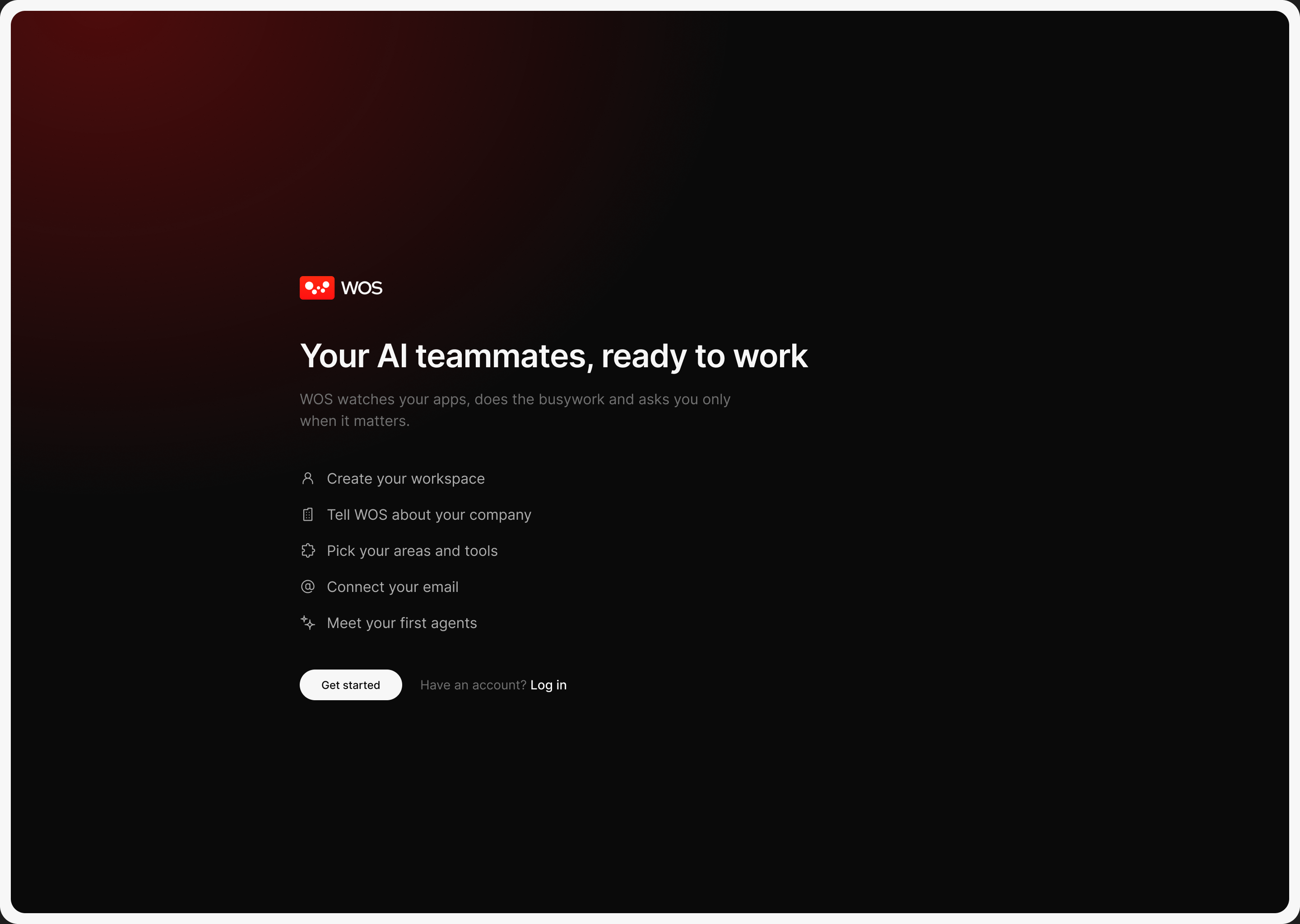
A dark welcome lists the five steps up front, so people know what’s coming.
Register setup
The last two steps connect email and set the workspace up while people watch, so the first screen after sign-up already knows the company.
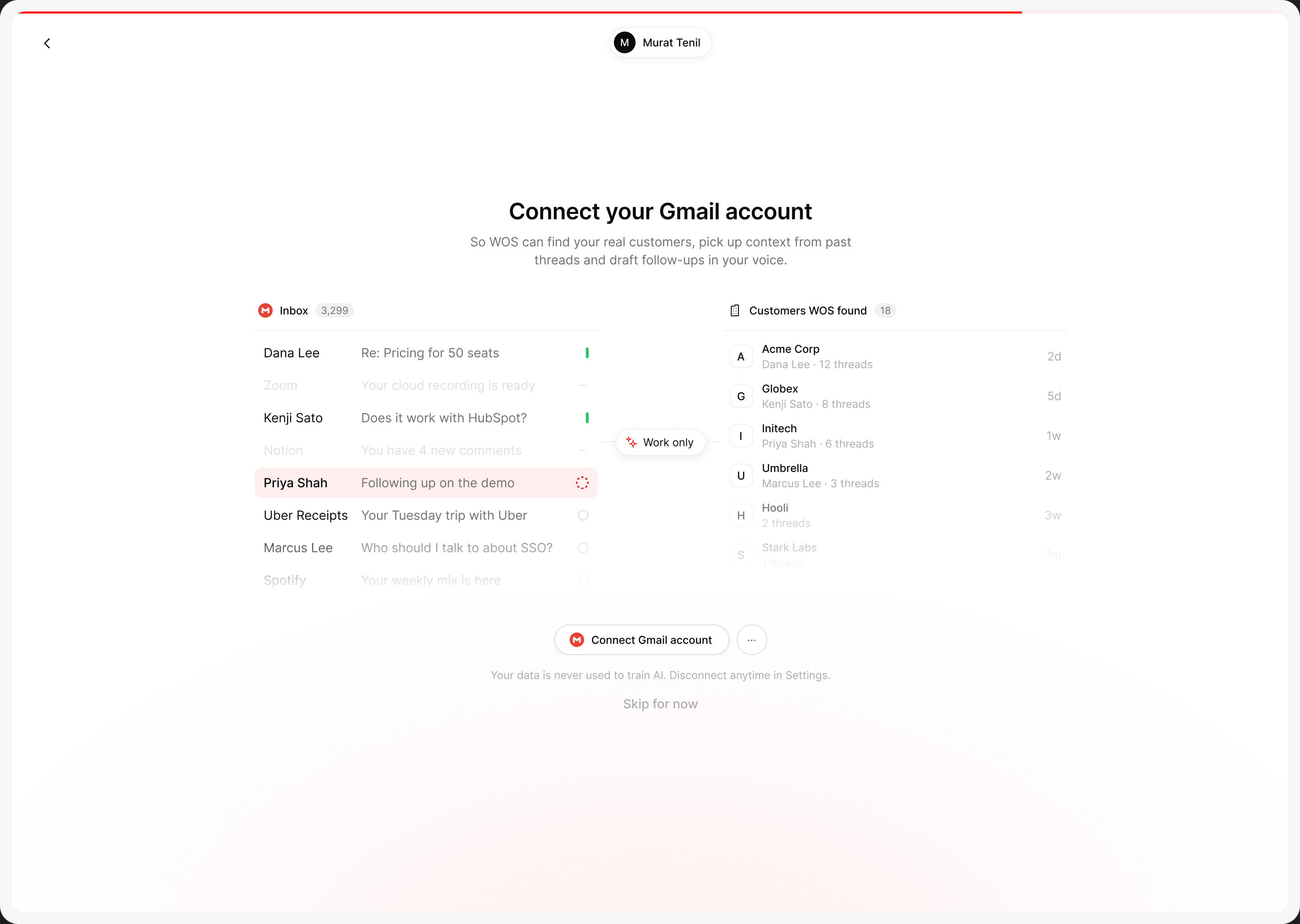
It shows what WOS will read and what it skips: work only, never personal mail.
Get started
Instead of an empty app, people land on a short list of jobs that make WOS useful on day one: connect the main system, invite the team, turn on a first agent.
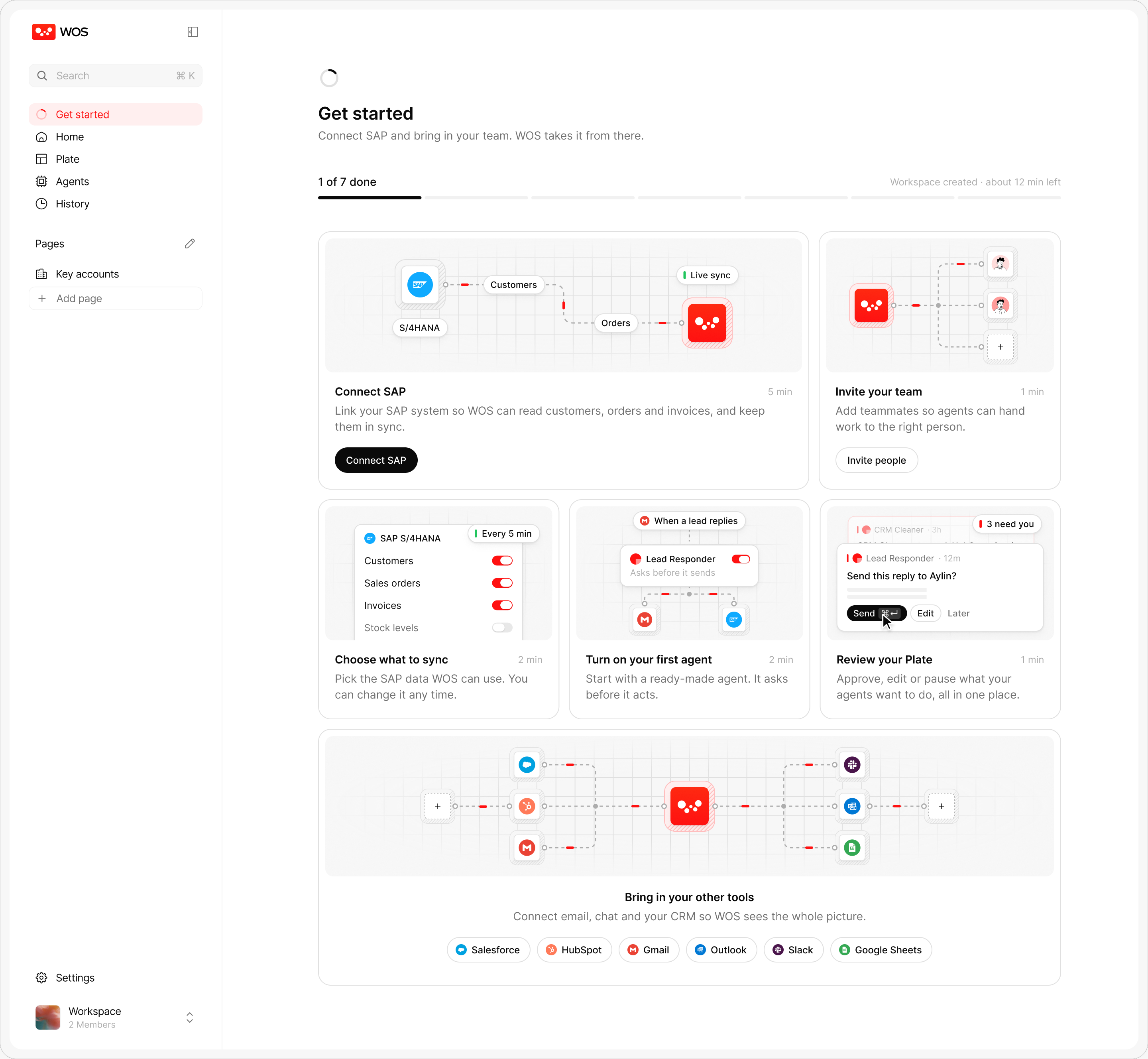
Seven small jobs, from connecting SAP to reviewing Plate, each with a picture of what it does and how long it takes.
Home
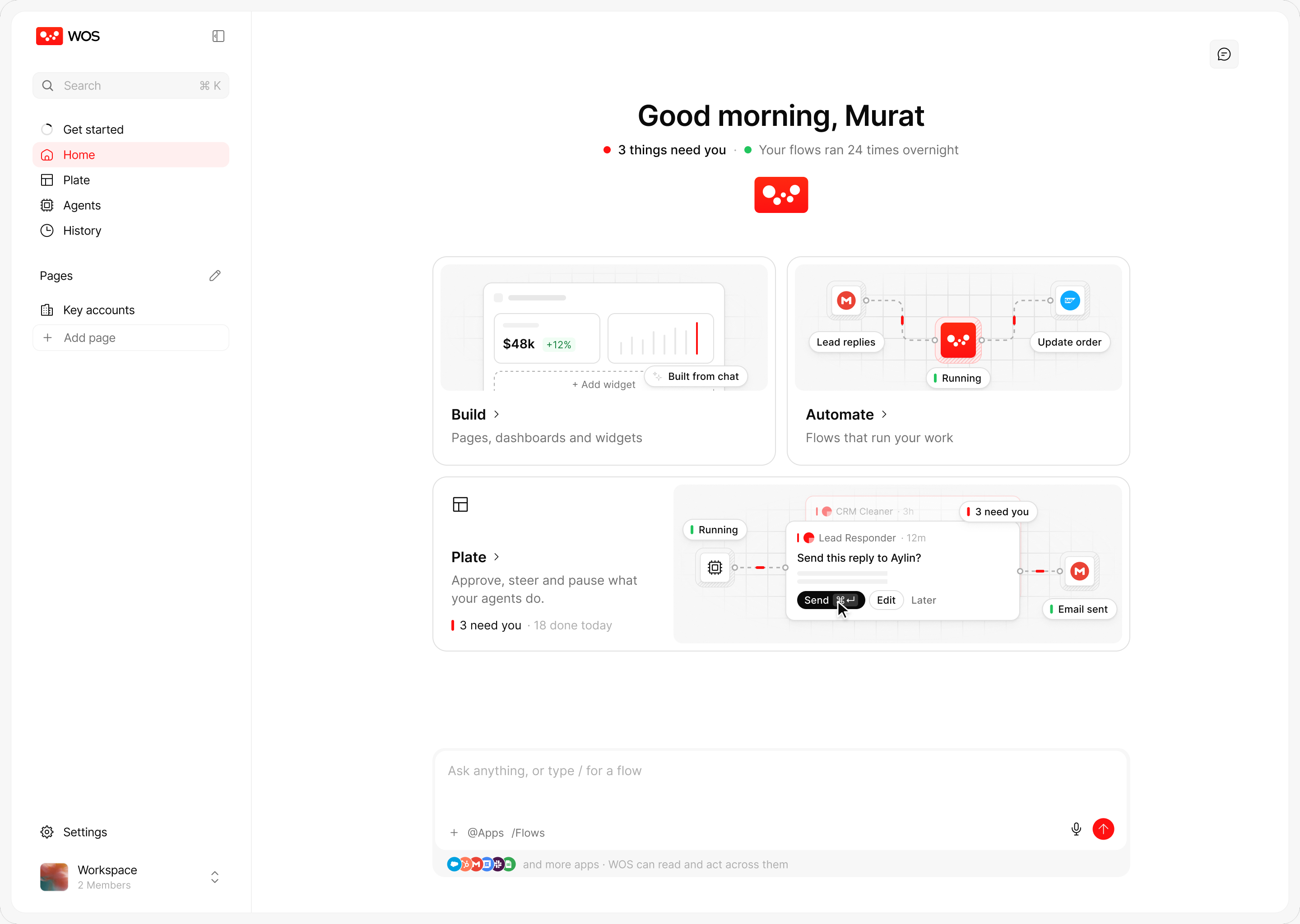
Home answers “what needs me?” first. Everything else is one click away, and the chat box is always there for anything that isn’t.
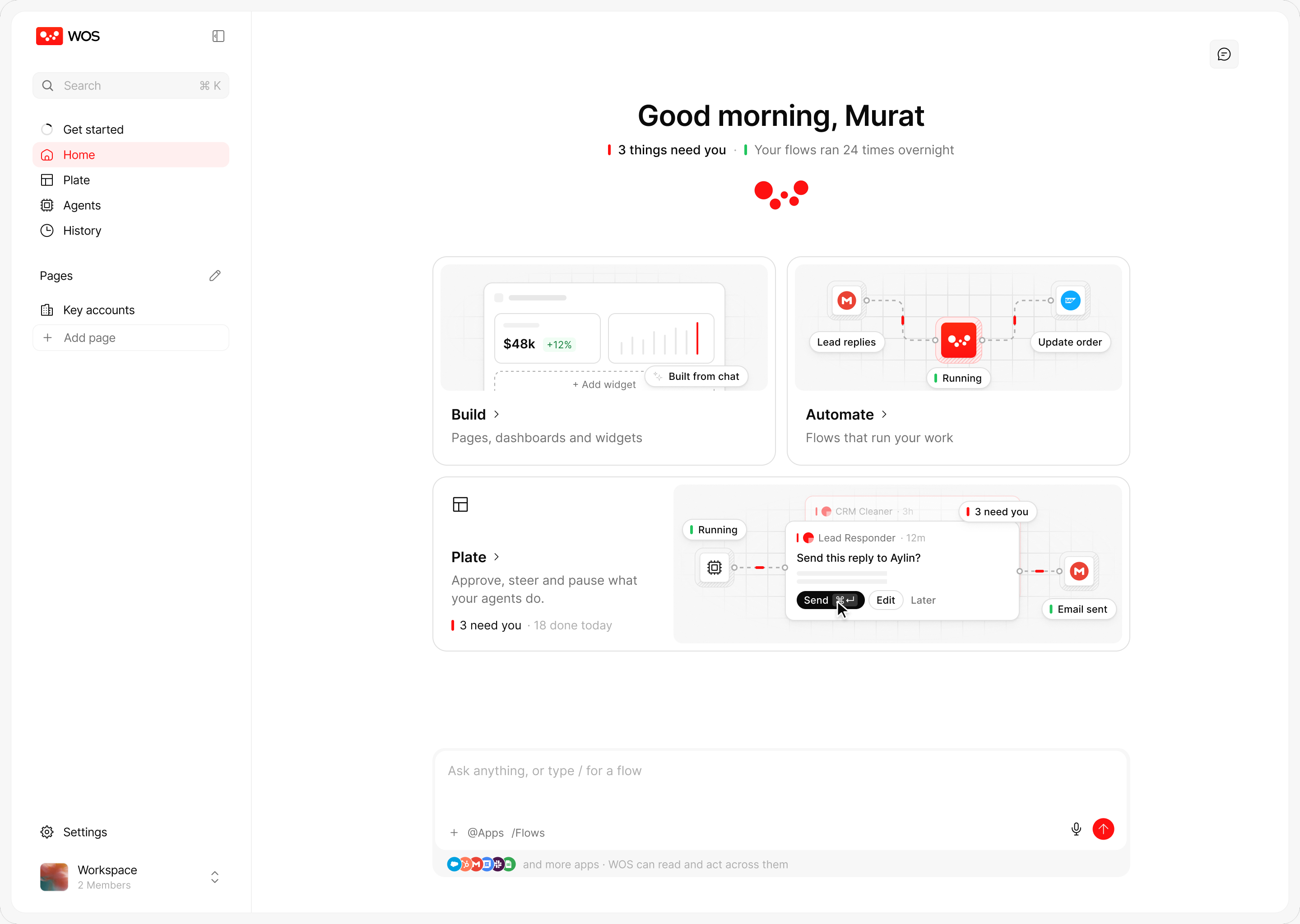
What needs you and what ran overnight come first, then three ways in: Build, Automate and Plate. While WOS thinks, the logo under the greeting plays the loader.
Chat
Chat is the heart of WOS. Every chat is its own session, agents show the steps they take, and quick follow-ups sit under each answer.
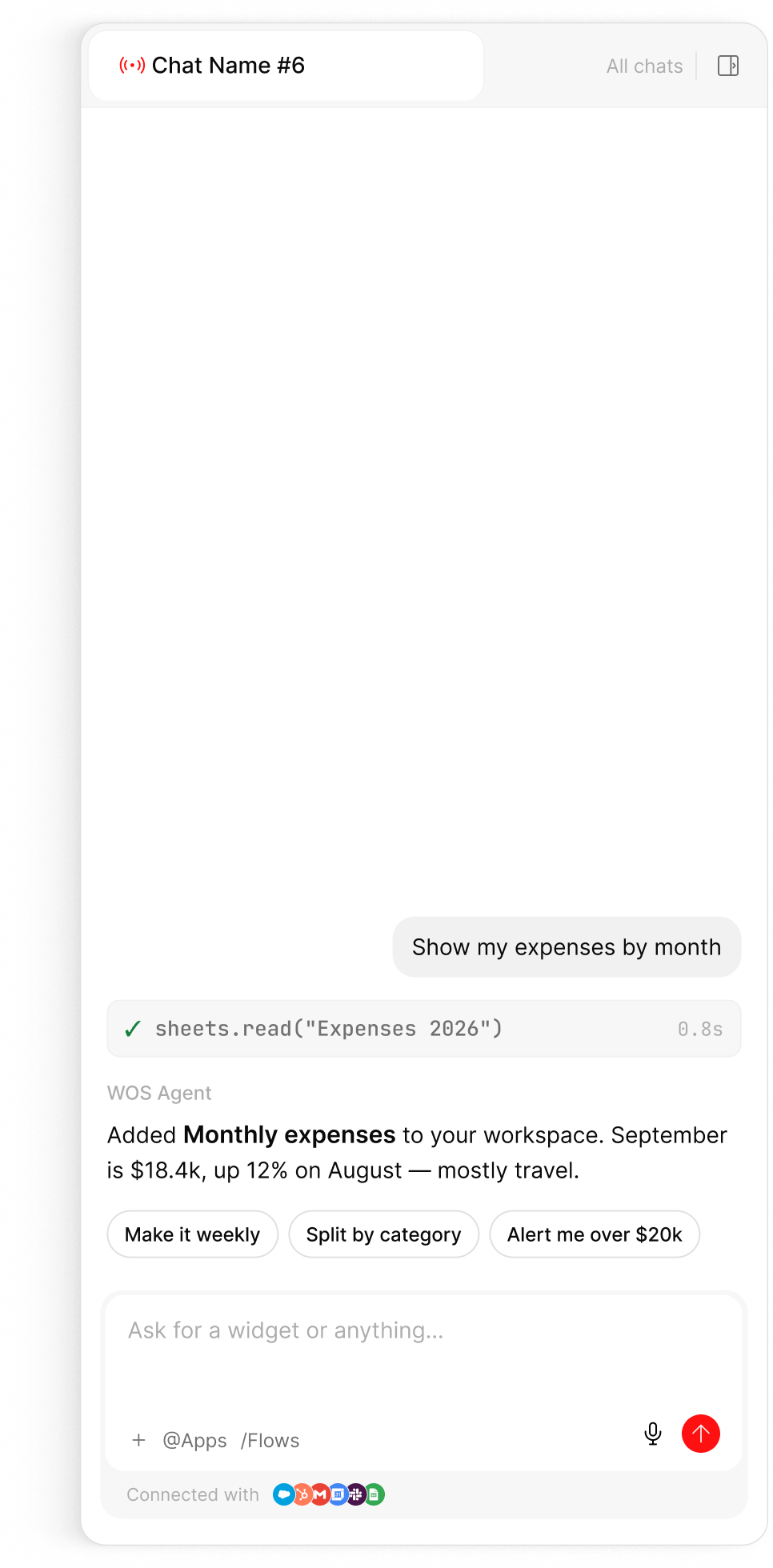
The answer, the tool call behind it and quick follow-ups, all in one panel.
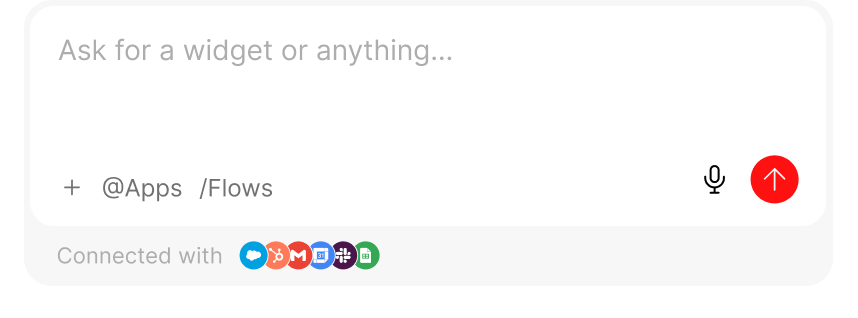
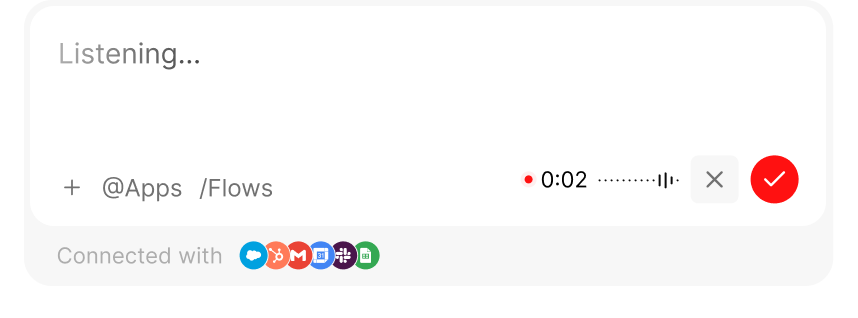
Switching chats is a scroll picker: hover a name and its own line on the ruler grows; the open chat keeps its dark line, so you always know where you are.
Plate
Plate is where people spend most of their time: a triage inbox for the agents’ work. Each card says what happened, why it matters and what WOS suggests, with one clear action.
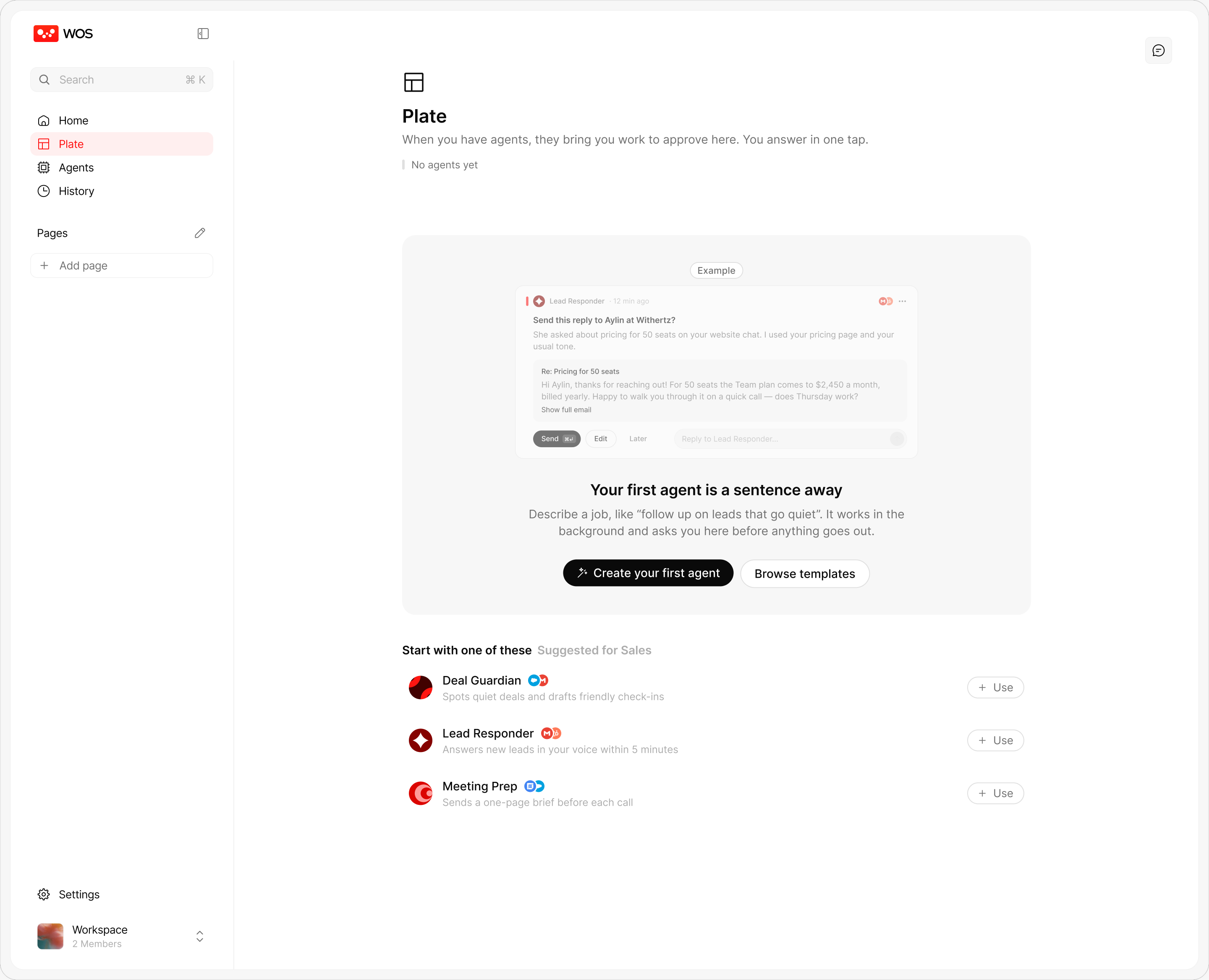
Before any agent runs, Plate explains itself and offers a first agent.
Agents
An agent is a teammate with a job: a name, instructions, the apps it may use, a trigger and how much it may do alone. People create them in chat and rarely need this page again.
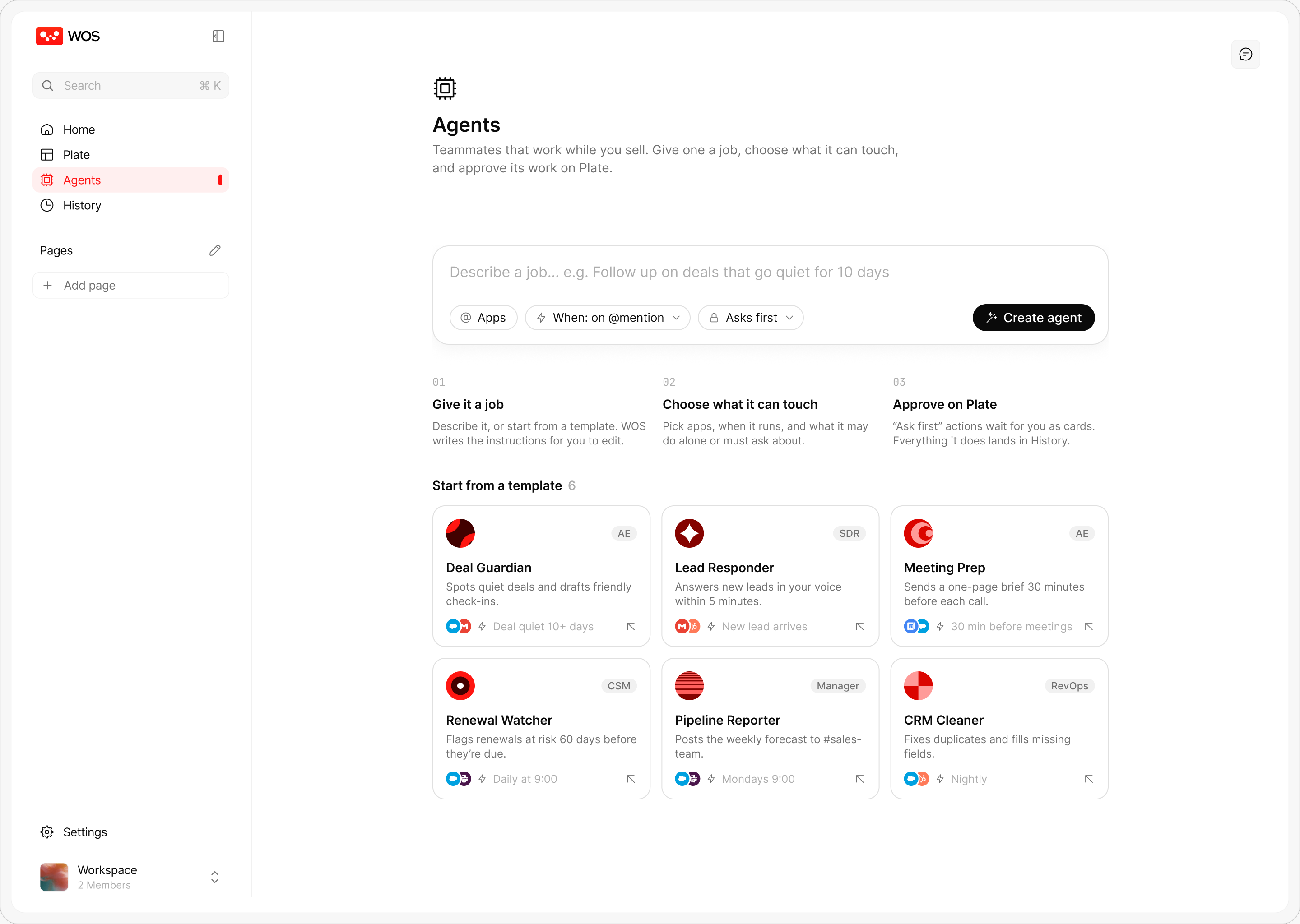
Describe a job or start from a template; three steps explain how an agent works.
New page
Instead of another spreadsheet, people describe what they want to keep an eye on and WOS builds a live page from their apps.
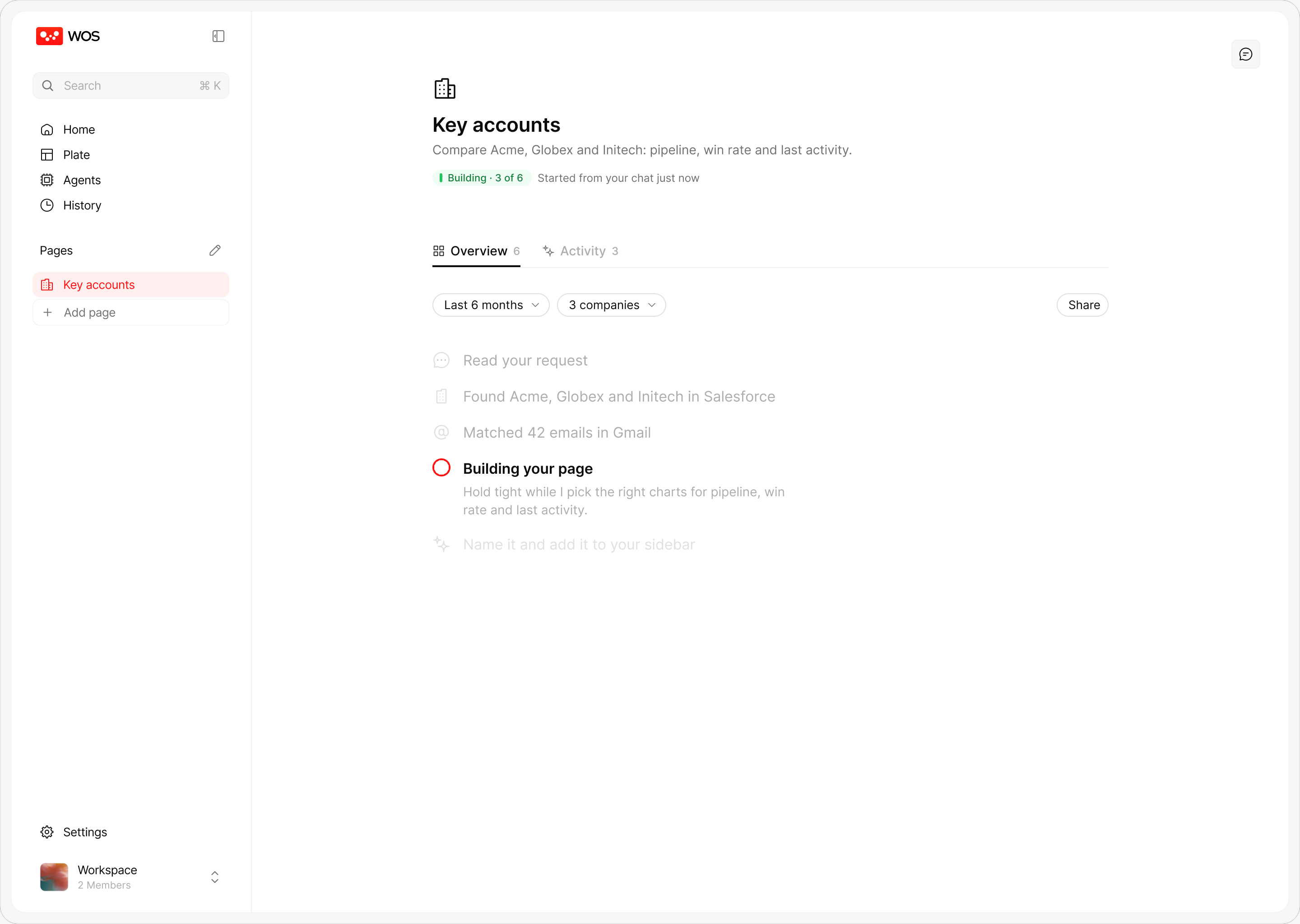
Named steps while WOS reads the apps and picks the right charts.
Workspace overview
One page for the whole workspace: work done, trends, agents, team and connections, so a manager can see in a minute whether WOS is pulling its weight.
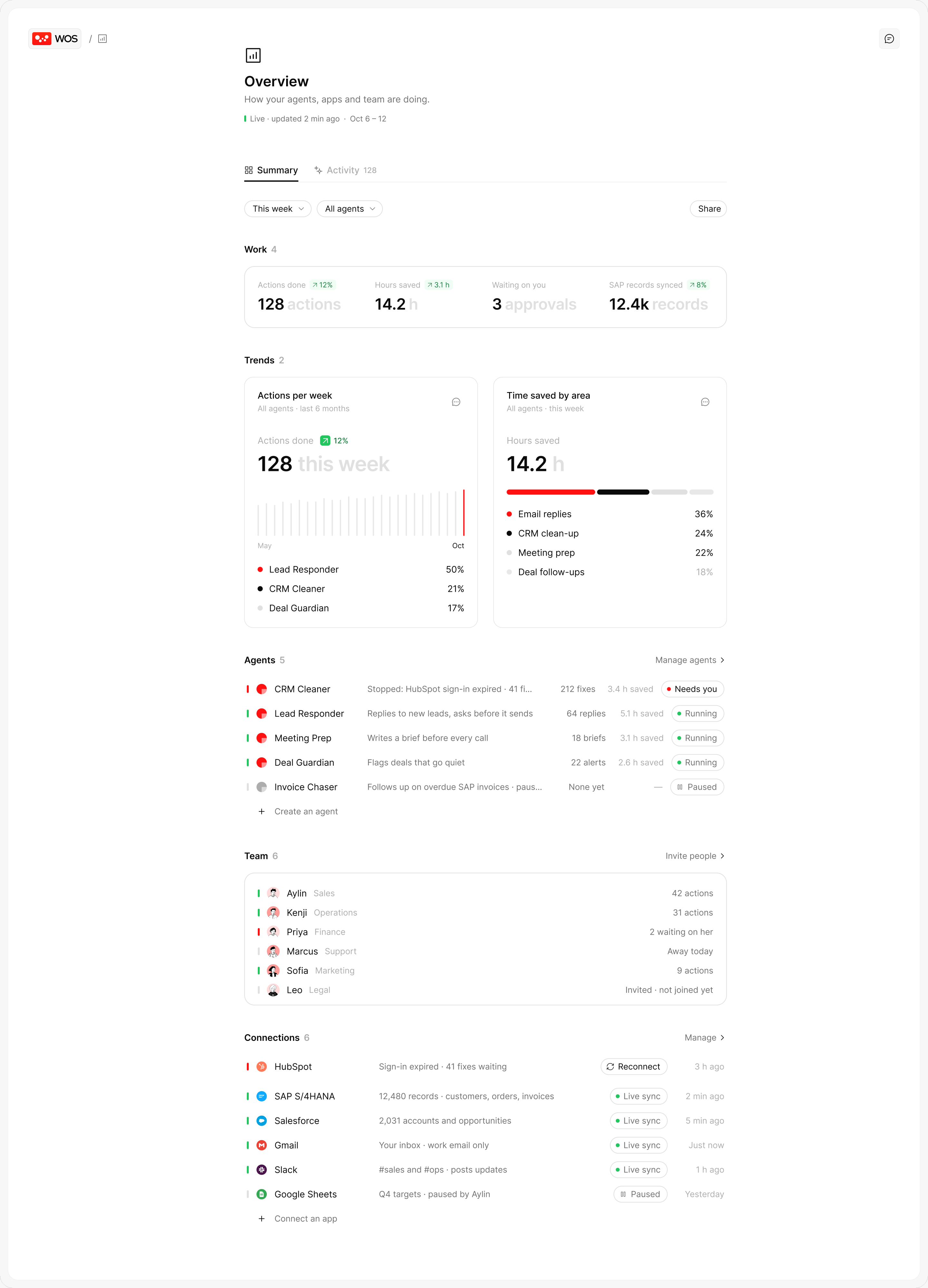
Work done, trends, agents, team and connections, on one page.
History
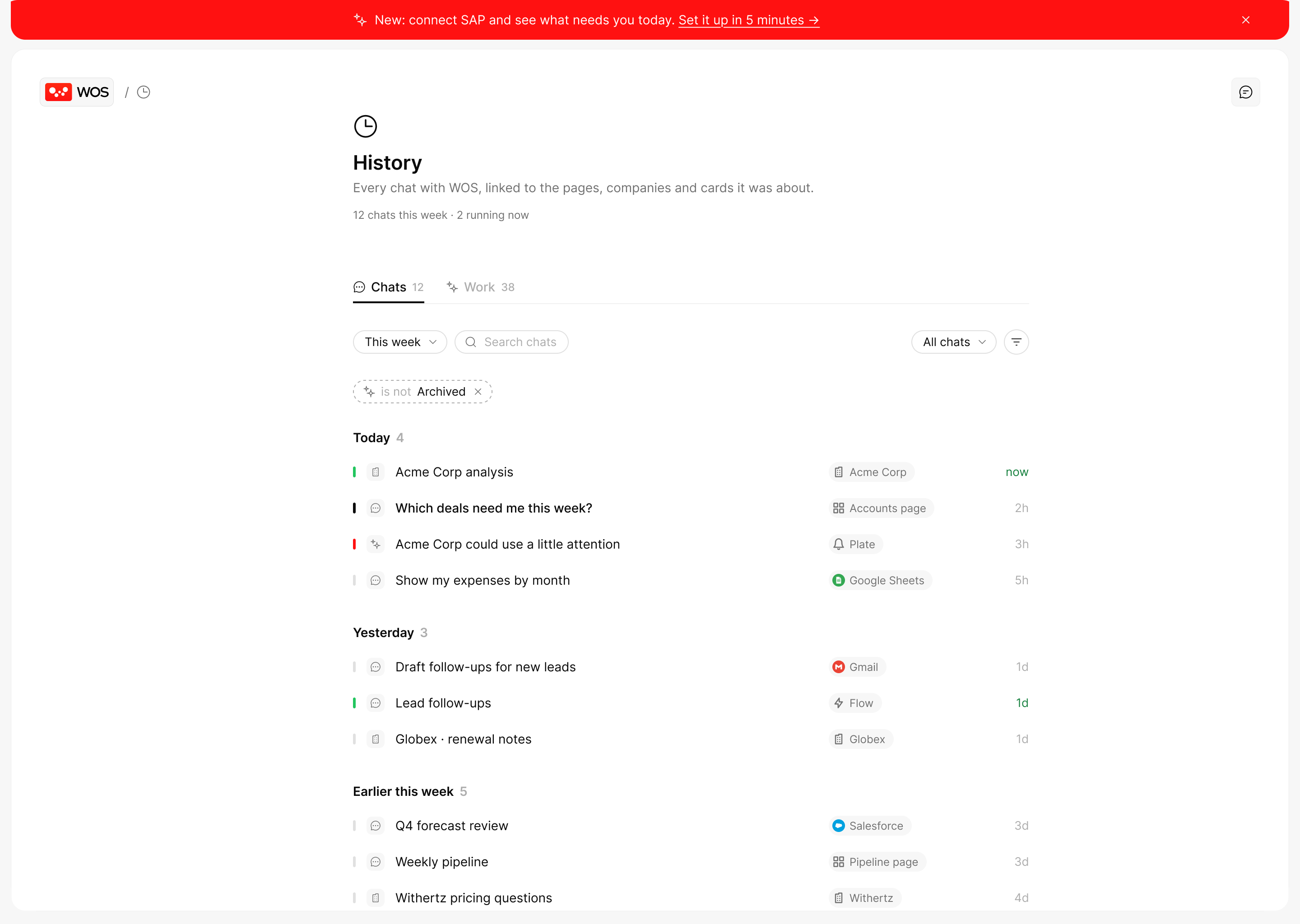
Every chat and every action WOS took, linked to what it was about, so nothing an agent does is ever hidden.
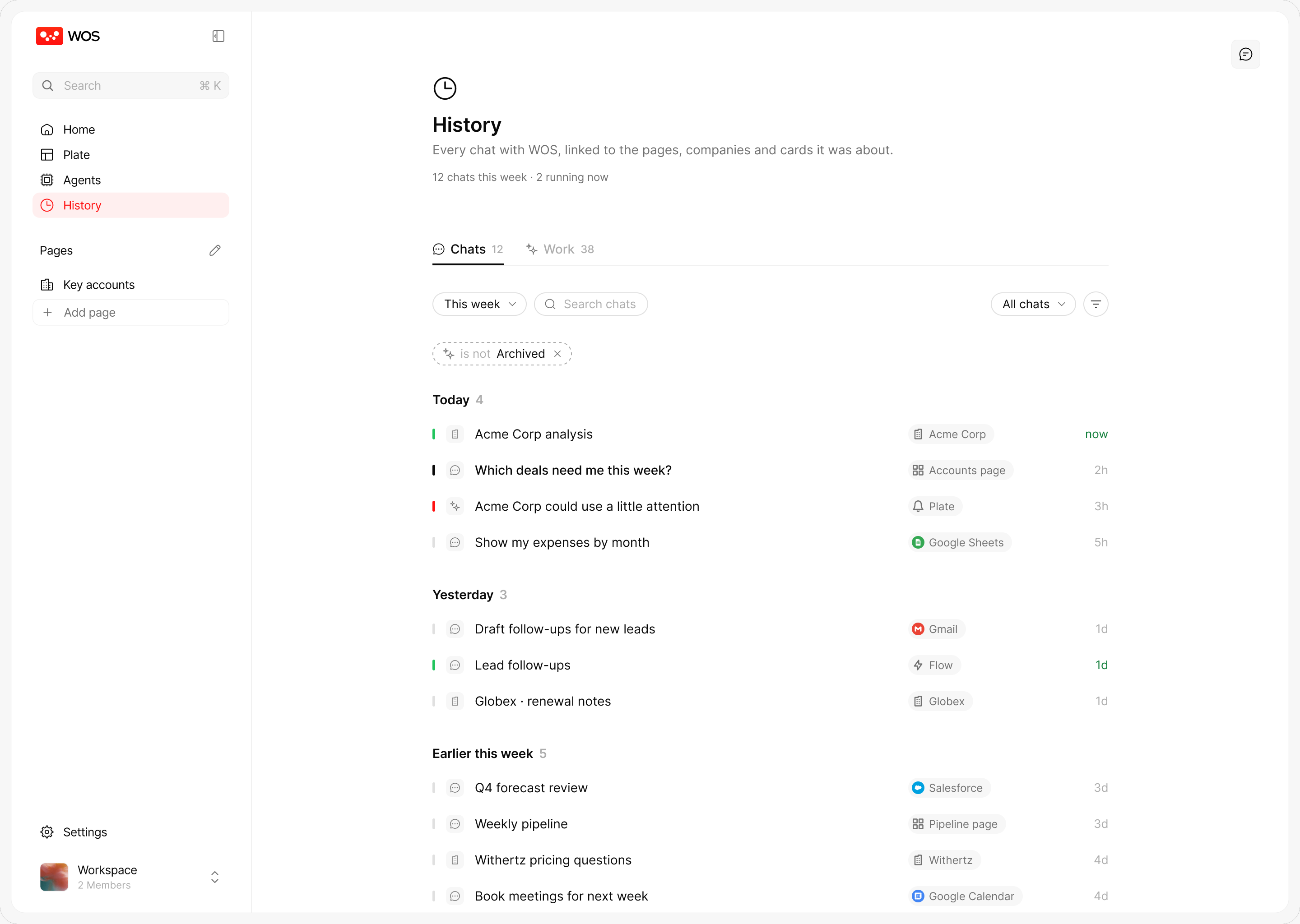
Every chat, linked to what it was about: a company, a page or a Plate card.
Banner
When something new is ready, WOS says it in one red line across the top of the app: what’s new, a link to set it up, and an × to dismiss it. The page underneath doesn’t move, so it never gets in the way of work.
Settings
Settings opens as a movable window, like on a Mac, so people can change a connection without losing their place. Groups are separated by space, not headings.
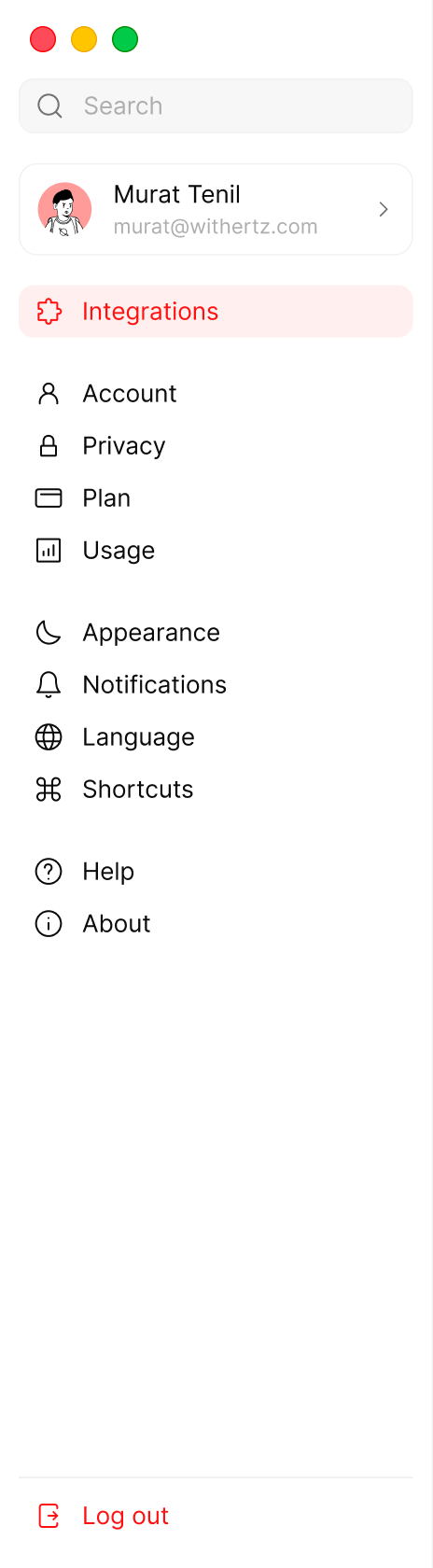

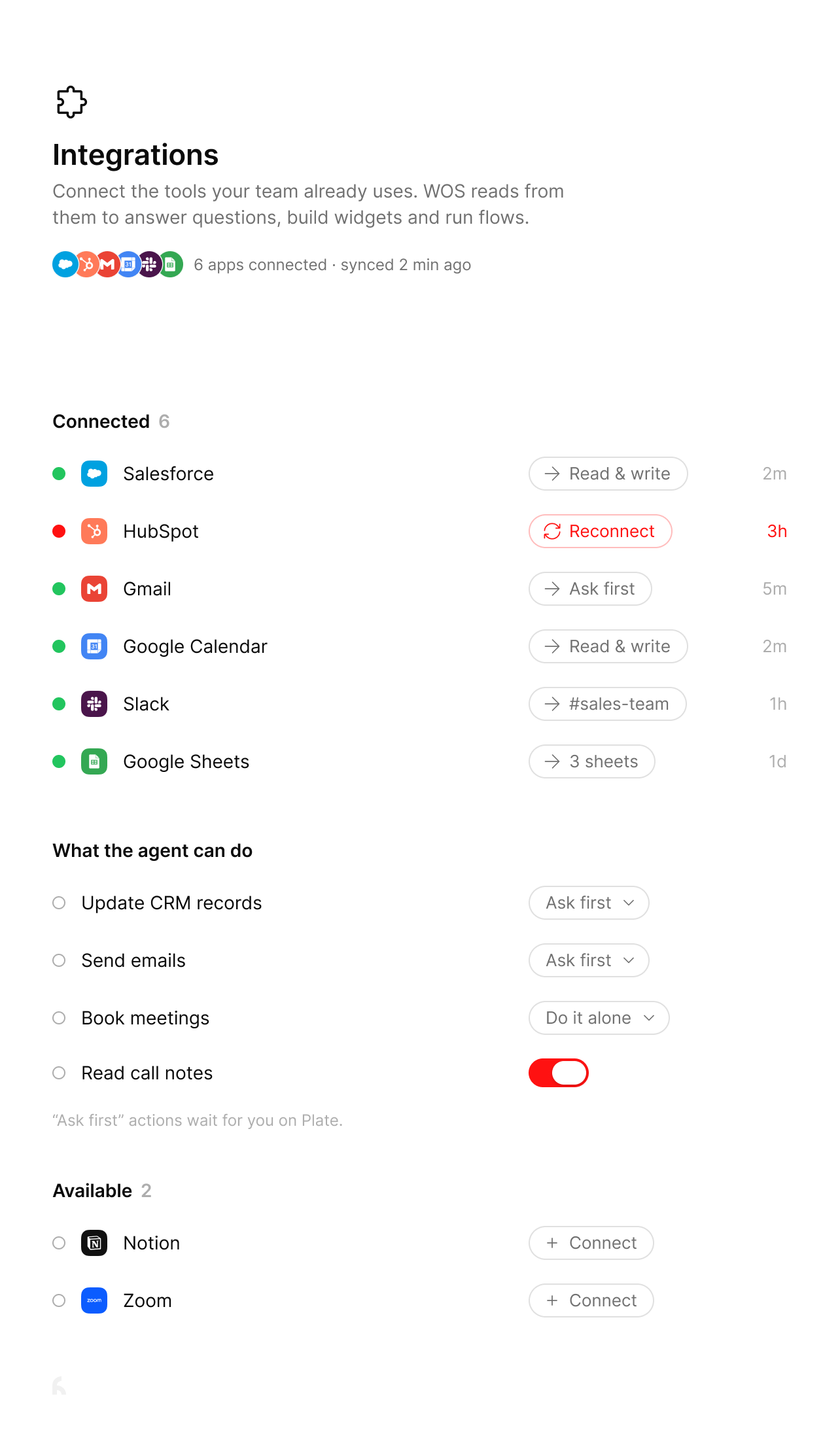
Try it: pick a section, scroll it, use back and forward, drag the window by its top, or zoom it with the green button.
Accessibility
WOS is used all day by people who don’t think of themselves as software users, so it has to bend to them. Status is never colour alone: every red or green mark comes with a word, like Running, Reconnect or 3 need you.
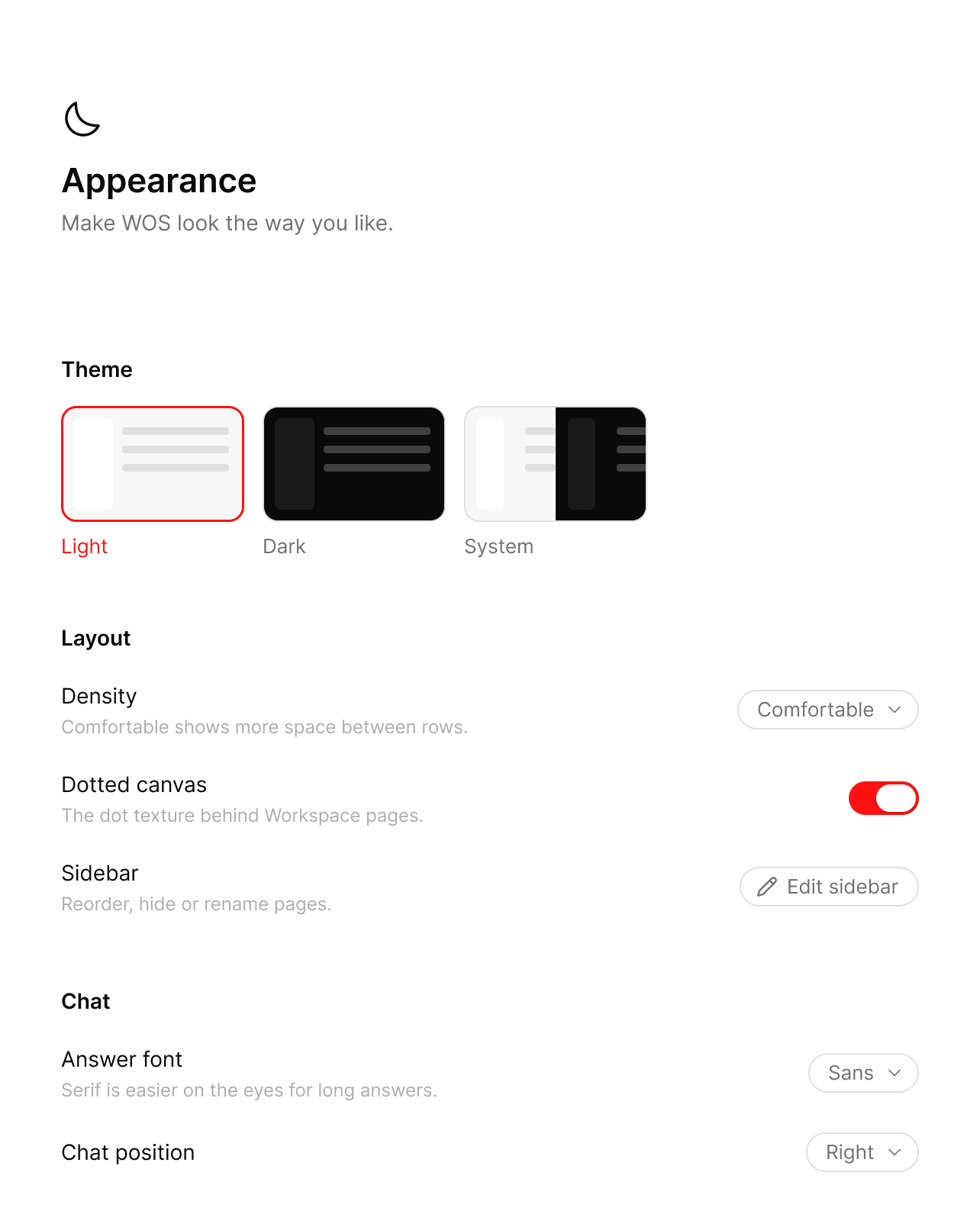
Light, dark or follow the system, roomier rows, and a serif font for long answers that is easier on the eyes.
Reflection
- What worked
- Designing the brand and the product together. The dots became the loader, the logo’s thinking state and the empty states, so WOS feels like one thing.
- What I learned
- People trust agents they can check. Every action says what it did, where and when, in Plate and History, or the work stays invisible.
- What was hard
- Deciding how much an agent may do on its own. Making it a choice per action (ask first or do it alone) turned autonomy into a setting, not a guess.


